
The planting detail changed. Does every mate remember?
The customer messages from site: the lavender is out; use rosemary instead. You update the job note and get back to work. Later, another helper drafts a care note using the old detail. Now you’re checking messages and fixing it again.
A small change can reach beyond the job note
Landscaping details change: a plant choice, access through a side gate, the finish. If the update stays in one text thread or in the owner’s head, the next person replying to the customer may miss it.
The figures below cover trades more broadly, not landscaping. UK tradespeople surveyed for the 2026 NOW Report spent an average of 5 hours 20 minutes a week on admin. Installer, reporting the NOW Report, also found that 62% did admin in the evenings and 43% at weekends. The survey covered heating, building, electrical, plumbing and renewables.
Some of that admin is finding the latest detail, repeating it, then checking that a reply, quote or care advice reflects the change.
Keep one correction in a shared Brain
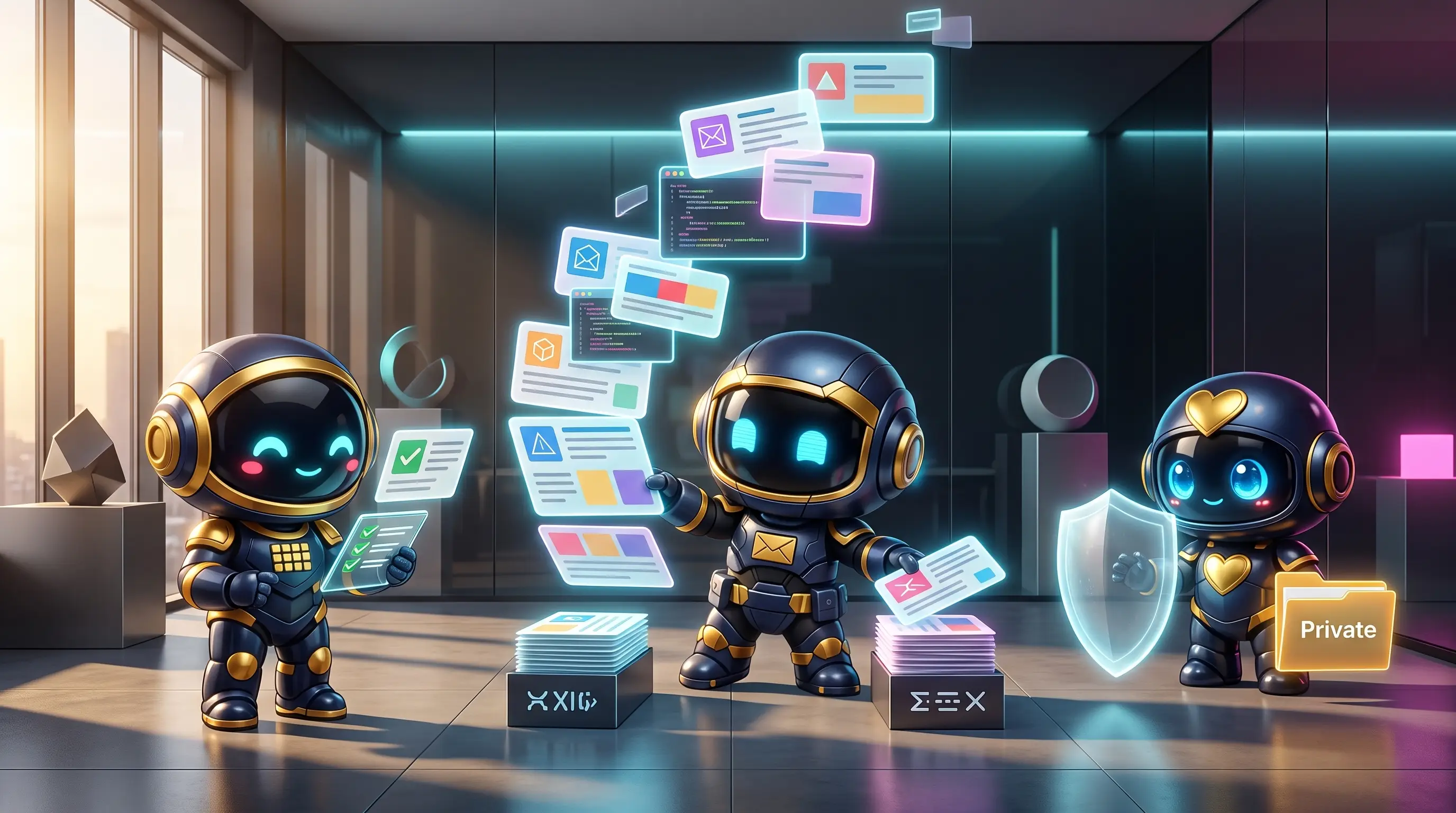
WorkMate OS gives its named mates one shared Brain. They read and write the same memory. Add a fact or correction once and it’s available across the crew, including in later sessions.
A landscaper could update the planting choice, then have the inbox mate and copy mate use it when drafting a customer reply or care note. The owner reviews outward-facing work before it goes out.
This can mean less repeating and fewer old details in later messages. It doesn’t guarantee every answer is right. The owner can check the activity log to see what ran and what it produced, then approve customer-facing work.

What changes in the working week?
You decide what the customer agreed to, and you approve the message. You don’t have to explain the correction to each mate or hope someone finds an old note. Add it to the shared Brain, then review the draft.
If the change needs a new quote or affects the job scope, you make that call. The Brain keeps facts consistent; it doesn’t decide how to run the business.

If you keep repeating job facts to different tools or people, the shared Brain is already part of the WorkMate OS crew. It may take one more thing off your list to remember.
Admin time figures and survey scope: Installer, reporting the 2026 NOW Report.