
The lesson was requested. Nobody put it in the diary.
A parent fills in your lesson enquiry form between school pick-up and tea. You get an email, then check the diary, see whether the slot works, reply and wait for an answer. After that, you still need to add the lesson. The form has collected a lead, but the appointment is not booked.
A request is another job in the queue
Each tutoring enquiry can involve a string of decisions: subject, tutor, day, online or in person, and whether the family wants a regular slot. A tuition centre has the same questions across more tutors and rooms. If the form ends with “thanks, we’ll be in touch”, the owner has to handle every step.
A 2022 survey of instrumental tutors at UK tuition provider MMF found that 28% said lesson cancellations and rescheduling could be improved in the admin system. The finding points to a practical issue: asking for a time does not finish the booking. Changes and replies have to make it into the working diary too. See MMF’s Speed Admin Tutor Survey Feedback.
The interruption and follow-through take time. A tutor might pause lesson preparation to check availability, or leave a parent waiting until the teaching day ends. The appointment may still happen, after another round of admin.

What “booking” needs to mean
A useful booking flow gathers the right details, checks availability, records the appointment and sends a clear confirmation. When something does not line up, it should ask for help instead of promising a time that is already taken.
Parents need to know the lesson is in the diary. Tutors need to see the appointment without searching their inbox. If the time changes, everyone relying on it needs the update.
MMF’s survey found that 48% rated parent or guardian communication among the useful features of its system. The report also says replies to tutor emails could not be viewed there. For a small provider, the message alone is not enough. The booking record and conversation need to stay connected so the owner can see what has been agreed.

What changes with a crew
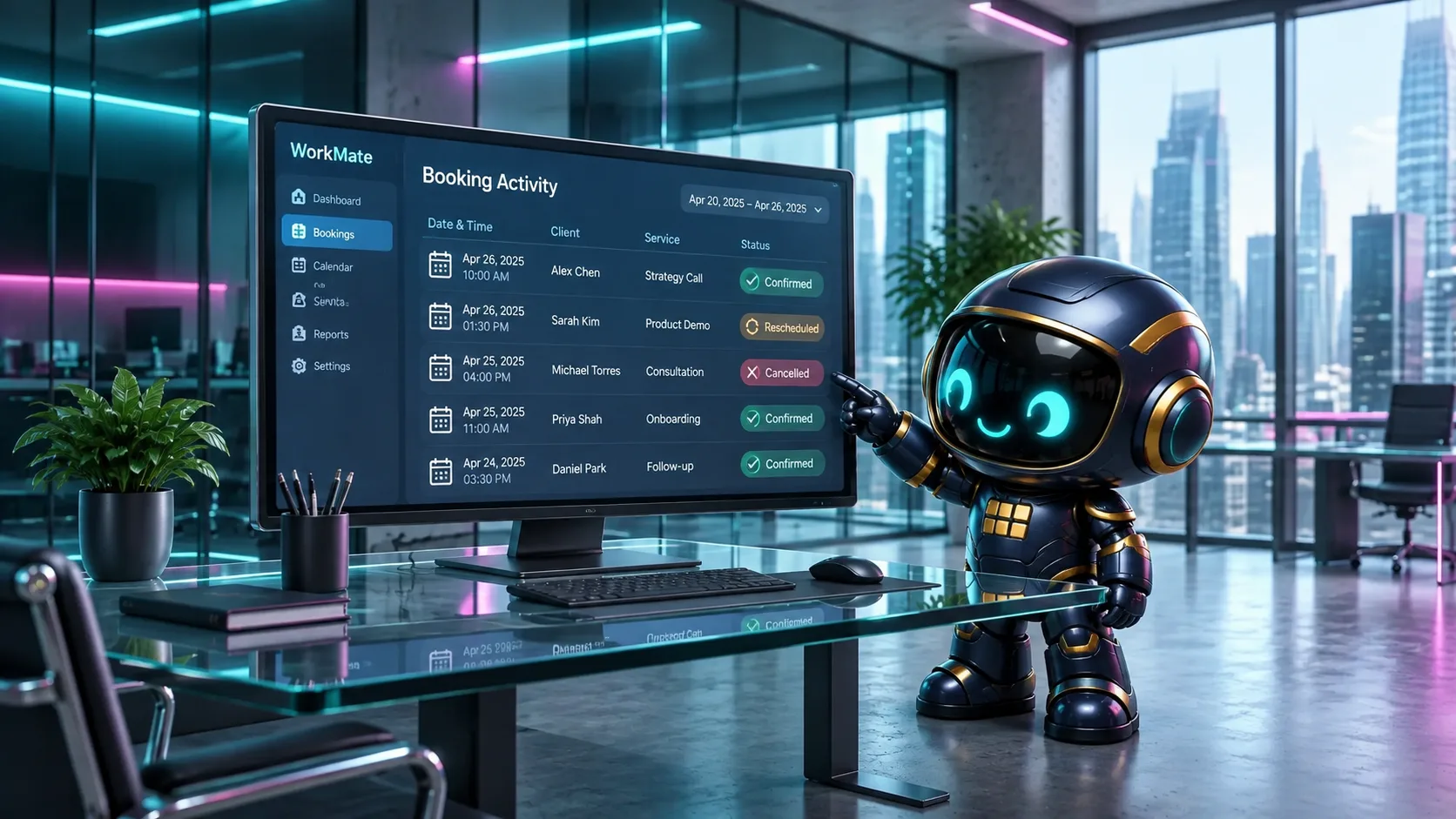
WorkMate OS includes a bookings mate, and its booking module is designed to book appointments rather than simply email a form to the owner. The owner can hand over routine steps and check what was requested, recorded or left for a decision. Outward-facing work follows draft, review, send, with the owner approving.
A parent’s request can be handled as booking work: collect the details, check the agreed rules and availability, add a suitable appointment to the diary, then prepare a confirmation for approval. If the request is unclear or no slot fits, it should come back to the tutor for a decision.
The calendar connection and booking setup matter. Check that the module supports the diary and rules your business uses before relying on it for real lessons. This can cut the back-and-forth while leaving the tutor in charge of what gets promised to a family.
Keep the human part of teaching human
Parents choose a tutor they trust to understand their child and make good decisions. Repeated booking checks and record-keeping need not take time away from teaching. A crew can handle those steps, while the tutor decides when a request needs a personal reply.
If you already have a form, check what happens after someone submits it. Does the appointment reach the diary? Does the family get a definite answer? Can you see what was sent? If not, the form is still an inbox task in disguise.
For another look at where an enquiry gets stuck, read the follow-up nobody sent. For the broader question of turning a request into a real booking, see the enquiry that landed but never became a booking.
All percentages above come from MMF, Speed Admin Tutor Survey Feedback, a survey of instrumental tutors at a UK tuition provider. WorkMate OS booking capabilities are described as design intent; confirm current module availability and calendar compatibility before relying on them for live bookings.