
The job changed. Did every mate get the correction?
A customer changes the access plan after you have priced the job. You tell one assistant, then head back to site. Later, the booking reply or customer update still has the old detail. You have to catch it.
A small correction can travel a long way
The customer first said the side gate would be open. Now they have arranged access through the front, and the materials need to go by the garage. A small change, but it affects the job note and arrival message. It may also matter to the next person who answers the phone.
In a small building firm, job details can end up in messages, notes and someone’s memory. The owner joins them up, stopping to find the right conversation and repeat the correction wherever it is needed.
The same handover problem comes up when a planting plan changes. Everyone working from the old information needs to get the update.
One correction, one shared Brain
WorkMate OS is a crew of named AI teammates for jobs such as inbox, bookings, accounts and sales. They all read and write to the same Brain. Tell the crew that the access plan has changed, and every mate can use the correction in later work. The shared Brain is designed to keep it between sessions, so you do not have to repeat the same fact for each task.
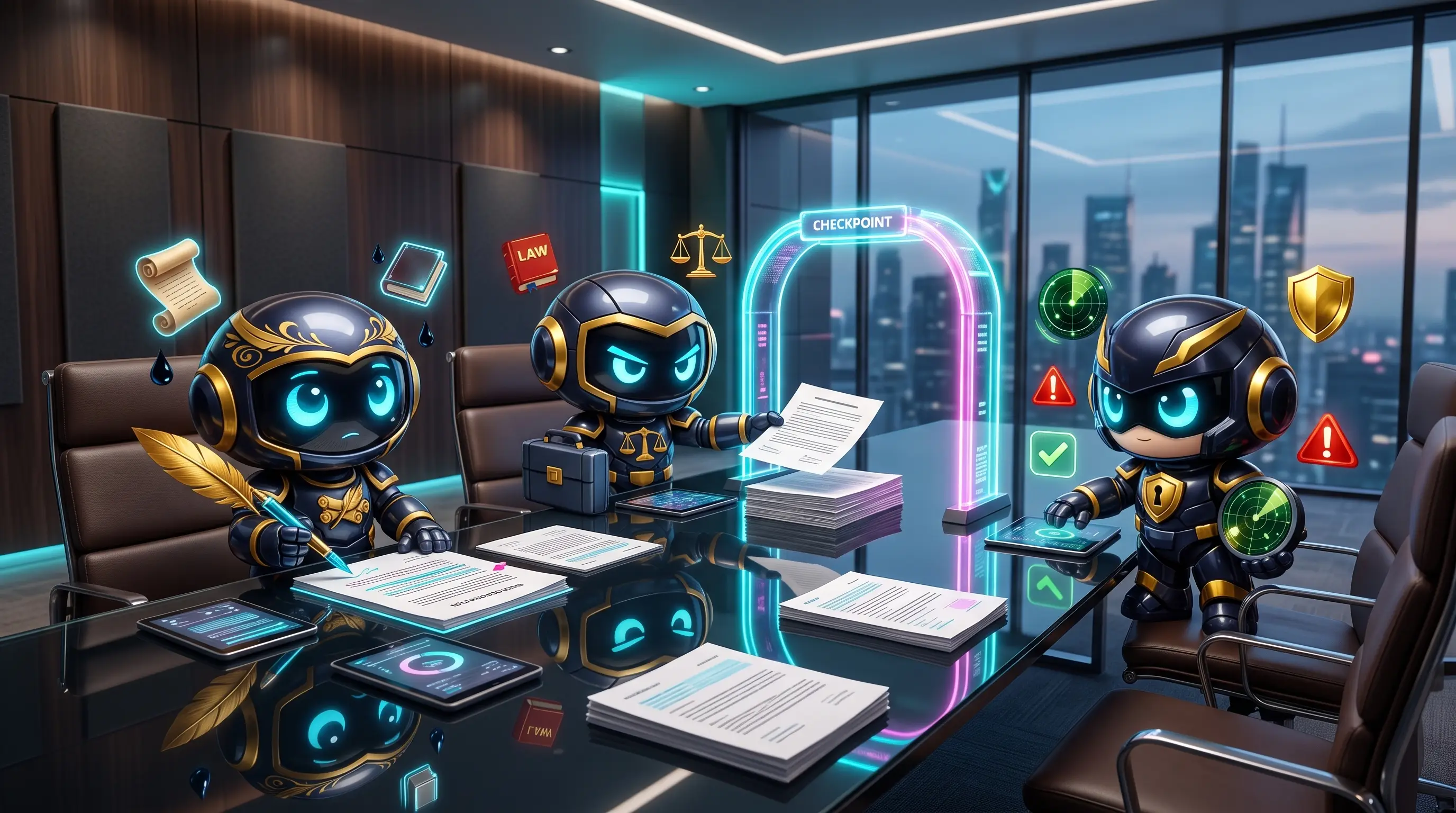
One mate can prepare a booking reply while another drafts a customer update, both using the same job details. You do not have to copy the correction into separate conversations and check that each one got it.
You still approve customer messages
Shared memory does not send unchecked messages to customers. For outward-facing work, WorkMate follows draft, review, send. A mate can prepare an update with the corrected detail. You review it and approve the send.

The activity log shows what ran, when it ran and what it produced. You can check how the change made it into a draft.
What to do about this
If you already have a reliable way to update every job note and message, you do not need to change it because of AI. If handovers are the problem, WorkMate OS has a shared Brain: tell the crew the correction once, then review any customer-facing draft before it goes out.

For builders and contractors around the UK, the practical test is whether the correction reaches the next piece of work without you carrying it from inbox to diary to message. That is what the shared Brain is designed to help with.
Department for Business and Trade, Longitudinal Small Business Survey 2024: 36% of construction SME employers named late payment as an obstacle to business success; 44% cited recruitment and skills. These figures show the wider pressures on small construction firms, though this article focuses on keeping changed job details consistent.
Federation of Master Builders, research on payment delays.
Federation of Master Builders, Small House Builders’ Survey 2025.
The planting plan changed. Did everyone get the message?